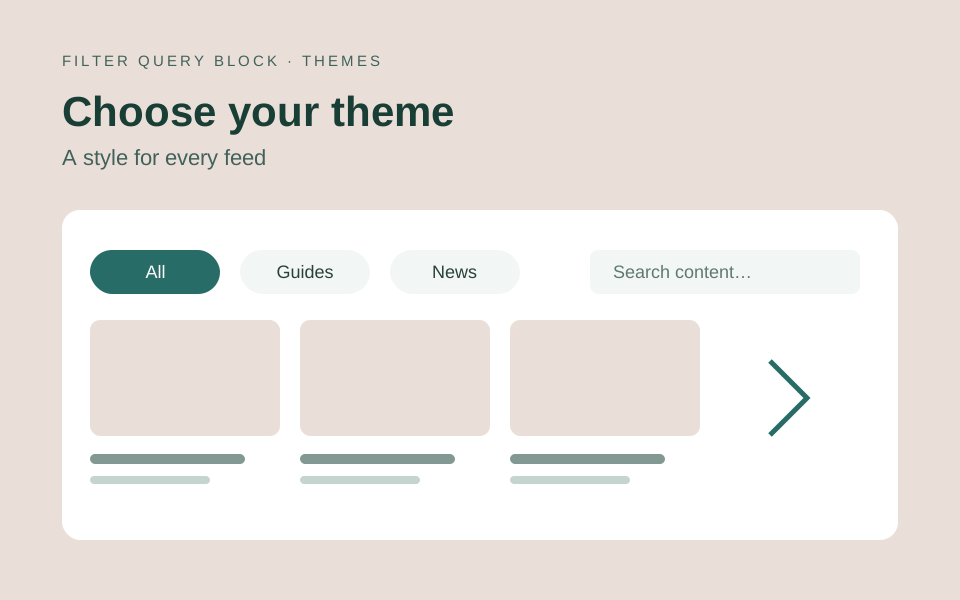
A filter theme sets the shared appearance of your controls. It is separate from the design of the Query Loop cards or list below. Version 4 offers Outlined, Soft, Filled, Compact rows and Unstyled (custom CSS) in the Filter theme selector.
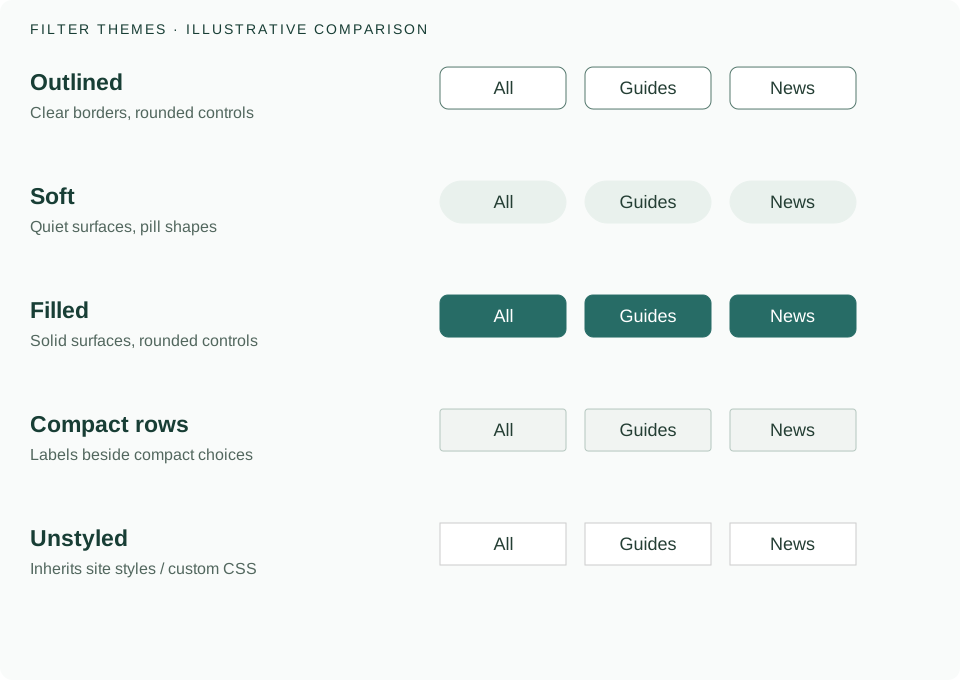
Outlined
A clear border with rounded controls. Use it when dropdowns and search fields need a visible boundary on a plain background. This is a useful starting point for a directory or a sidebar.
Soft
Quiet surfaces with pill shapes. Use it when filters should sit lightly above an editorial feed. Short category names work well as pill choices; a dropdown is easier to browse when there are many terms.
Filled
Solid surfaces and rounded controls give the filter row more visual weight. Check selected, unselected, hover and keyboard focus states against your page background when customizing colors.
Compact rows
Shows labels beside compact rectangular choices. It suits a denser group of filters with short labels. Check the phone layout as well as desktop: touch targets should remain usable when space is limited.
Unstyled (custom CSS)
Use the site’s styles or supply your own CSS. This gives you a starting point for a custom design system. The final appearance depends on the active WordPress theme and your style rules.
How to switch themes
Select the filter bar, open Edit Filter Query, choose Filters and find Theme → Filter theme. Choose a preset to preview it in the editor, then Apply. The current theme choices combine field styling and shape. Existing custom styles can affect the result.
To return to the selected theme’s defaults, use Style defaults → Reset style customizations. The filter bar reset clears shared and owned control styling while keeping labels, data sources, choices, rules and surrounding content. An individual control reset restores its inherited styling. Apply saves the changes; discard keeps the previous settings.
Theme, control presentation and result design
Choose Buttons or Dropdown for a choice control according to the number of options. Choose cards or rows in the Post Template according to the content. Neither choice is a separate filter theme. The demo page shows complete layouts; this guide compares the shared control themes.
Continue with styling WordPress filter buttons for shared and individual overrides, or read what changed in version 4.