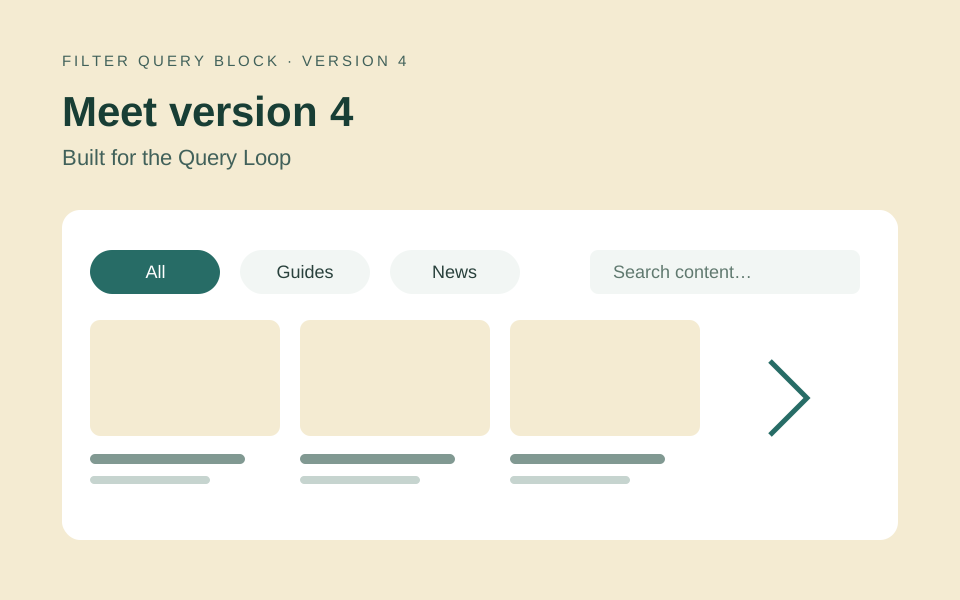
Version 4 brings Filter Query Block into the native WordPress Query Loop workflow. You build the filters and results in the block editor, with ready-to-use designs to get started. If you already use version 3, the key change is how you build new feeds; updating the plugin does not require rebuilding every existing page.
Version 3 and version 4: what changes?
| Area | Version 3 | Version 4 native workflow |
|---|---|---|
| Filter controls | Legacy filter-header configuration | Individual blocks for choices, search, sort, dates and reset |
| Results | Existing legacy feed markup and behavior | Core Query Loop, Post Template and result blocks |
| Starting a design | Configure the existing feed | Choose a complete design, then edit controls and results |
| Sharing | Legacy URLs and frontend behavior | Readable Query-scoped filter links and browser history |
| Existing pages | Keep their saved blocks | Pro retains legacy rendering; new native feeds can be built separately |
Editable controls and result layouts
Choose a ready-to-use design for a horizontal row, a sidebar or a mobile filter dialog. The result cards and rows use core blocks, so you can edit the title, image, excerpt and spacing directly. Filter themes change the controls; they do not replace your result layout. See the visual theme guide.
Search, filter and share the current view
Native feeds support taxonomy choices, text search, publication-date filters and sorting. Visitors can share a filtered URL, navigate pages and use browser Back and Forward. Each feed has its own Query scope, so check each feed independently when a page contains more than one. Use core pagination or the Load more control to let visitors continue through the results.
What belongs to Free and Pro?
Free covers taxonomy filters, Apply, Reset and ordinary pagination. Pro adds search, date ranges, visitor sorting, Load more, Fetch fresh results for cached pages, compatible custom fields and ACF sources, numeric filters, multiple post types and advanced Query rules. Existing v3 feeds rely on the compatibility code retained in Pro; do not switch editions expecting Free to render legacy blocks. The Free edition is available on WordPress.org as Accomplice Query Loop Filters.
Updating an existing version 3 site
Back up your site and test the update on a staging copy first. Check existing feeds, saved links, pagination and any custom CSS or JavaScript. Keep the legacy feeds while you build a new native Filter Query on a separate page. Compare the visitor experience before replacing a live feed; conversion is not automatic.
The legacy JavaScript lifecycle events belong to v3. Native v4 feeds use WordPress Interactivity and Query navigation, so custom integrations must be reviewed rather than assuming those events still fire.
Try version 4 on one feed
Follow Get started, choose a design and add a category filter. Check a matching result, an empty result, reset, a shared URL and the phone layout. Then explore the working demos or the guides and resources.